Film Your Measurements with ReelCam
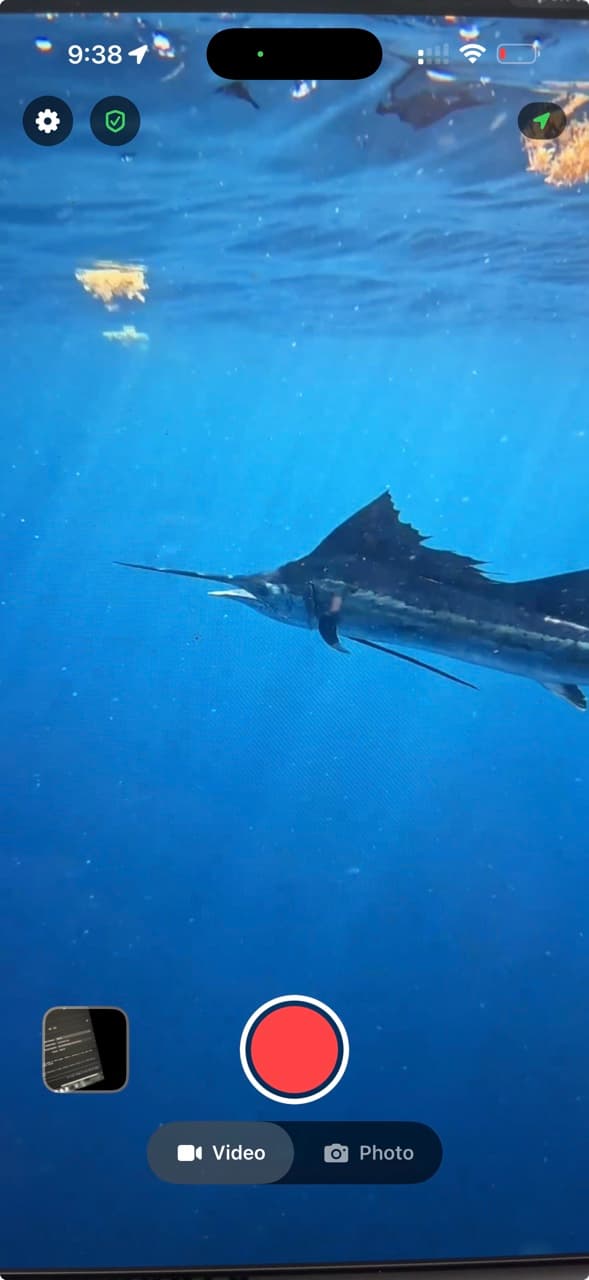
ReelCam is the Reel Time camera app and the LBI Cup’s preferred method for recording tournament-approved measurement videos. Record your fish on the official LBI Cup ruler inside the app and the clip is stamped with the time, location, and device details the committee needs to verify it.
Free for iPhone and Android.
How It Works on the LBI Cup
- Download ReelCam before tournament day and allow location access so each clip is GPS-stamped.
- Lay your striper on the official LBI Cup ruler and record the measurement inside ReelCam, not from your camera roll.
- Attach the clip to your score entry in the Beach Haven Marlin & Tuna Club app, the same way you enter every catch.
What Every Clip Records
Device time
Shown directly on the video as it is captured.
GPS coordinates
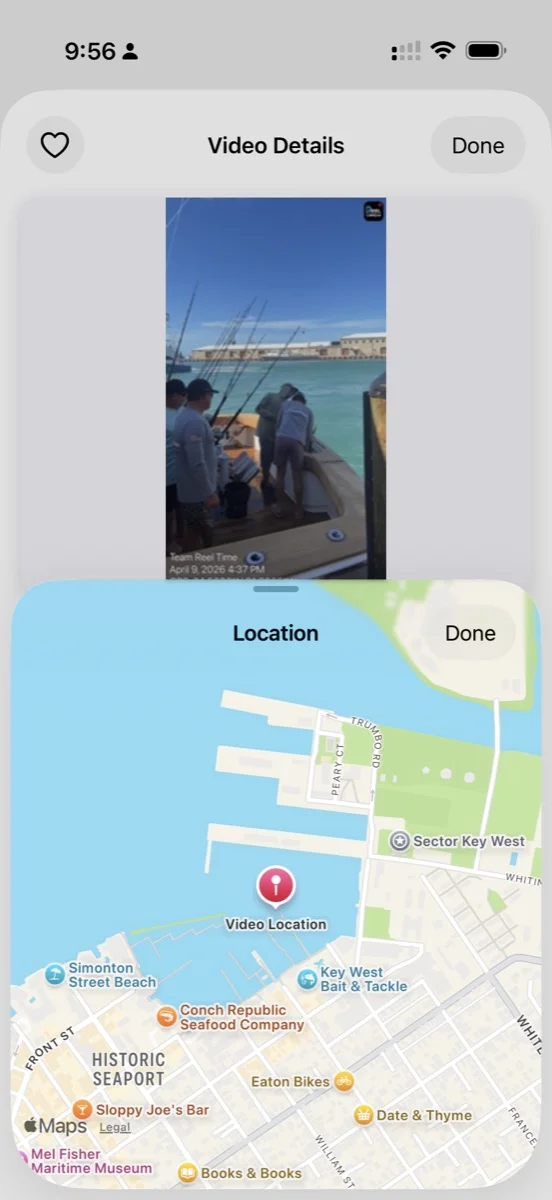
Recorded when you grant ReelCam location access, so the committee can see where the fish was measured.
Capture details
Device details stay attached to the video for review.
Two Apps, One Scorecard
ReelCam records the measurement. The club app scores it. Have both installed before tournament day.

ReelCam
Records your measurement video with the device time, GPS location, and capture details attached.
Beach Haven Marlin & Tuna Club App
Register your boat, enter every catch with its ReelCam clip, and follow the live standings.